Signing in to Elie
You sign in with the email address your invitation was sent to and your own password. Elie asks for the password every time you sign in, even straight after signing out.
Steps
Open the sign-in page
Open your organisation’s Elie address. If you are not signed in, the sign-in page opens, headed Log in to your account. If Elie’s public home page opens instead, select Sign In at the top right.
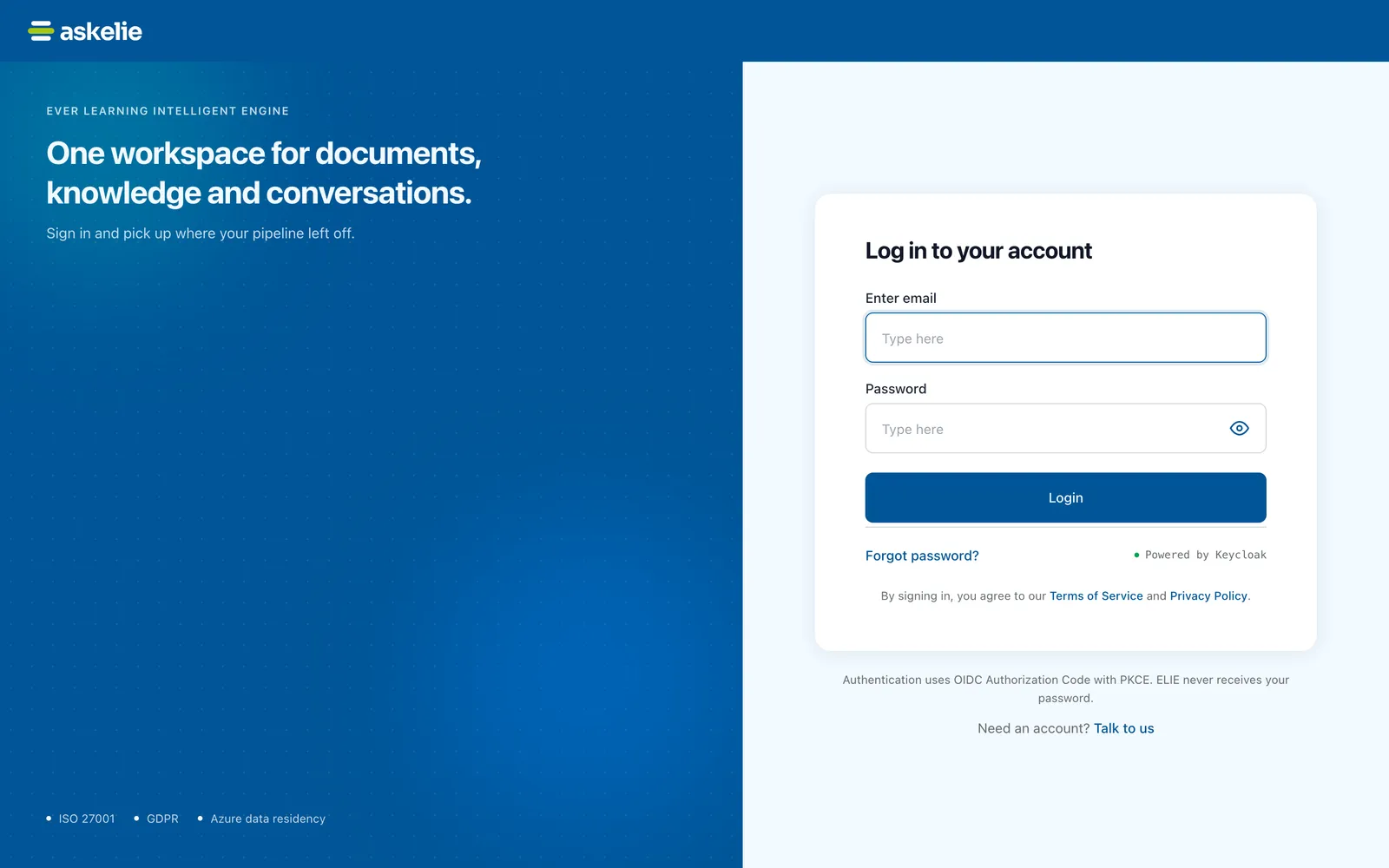
The sign-in page: One workspace for documents, knowledge and conversations on the left, and on the right the card headed Log in to your account with Enter email, Password, Login and Forgot password?. EnlargeEnter your email and password
Type your address in Enter email and your password in Password. The eye button at the end of the password box shows what you typed.
Sign in
Select Login. Elie opens your dashboard.
Sign out when you are done
Select your name or picture at the right of the top bar, then Logout. There is no confirmation; you land on Elie’s public home page.

What success looks like
- The dashboard opens, headed Dashboard Overview.
- Your name, or your email if you have no display name, is at the right of the top bar.
Things to know
The sign-in page belongs to Elie's identity service, which checks your password; the Elie workspace never receives it. There is no way to create an account yourself. The Talk to us link on that page goes to a contact form; to join your organisation's workspace you need an invitation from one of its administrators.
You are signed out after 30 minutes without activity. Working in any Elie tab counts, so a second tab you have left alone does not sign you out while you work in another.
If something goes wrong


| Symptom | Likely cause | What to do |
|---|---|---|
| Invalid email or password. | The password is wrong, or no account uses that address. The message is the same for both. | Retype both, using the address your invitation went to. If you have forgotten the password, select Forgot password?. |
| Too many failed attempts. This account is locked for a few minutes, followed by a request to wait. | Several wrong passwords in a row. | Wait a few minutes, then try again with the right password. |
| Sign-in failed, saying you do not have access to this workspace. | Your account has not been invited to this workspace. | Ask a workspace administrator for an invitation. |
| Sign-in failed, saying your email address has not been verified. | The invitation was never accepted. | Open the invitation email and accept it, or ask for it to be sent again. See Accepting an invitation. |
| This login page expired. Please sign in again., or Sign-in failed saying your sign-in link has expired or was already used. | The sign-in page was left open too long, or you went back to an old one. | Select Try again, or open your Elie address again. |
| You are back on the public home page without signing out. | You were signed out after 30 minutes without activity. | Select Sign In and sign in again. |
Next
- Accepting an invitation - your first sign-in, with a temporary password.
- Resetting your password - when you have forgotten it.
- A tour of your workspace - where to go once you are in.